

n8n Workflows for a Task Inbox: Build It Yourself or Use quik.md
A practical guide to n8n task inbox workflows, with quik.md starter templates and a self-hosted architecture if you want to build your own.
n8n is good at noticing things: a Telegram message, a labeled Gmail thread, a Slack idea, a webhook, a weekly note, a failed agent run.
The mistake is making n8n the place where all that work lives.
A better system has two layers:
- Automation layer: n8n watches sources, filters noise, formats context, and sends one clean payload.
- Inbox layer: a task inbox stores the item, lets you review it, routes it later, and keeps search/history durable.
You can use quik.md for the inbox layer. Or you can build the inbox yourself. This guide covers both.
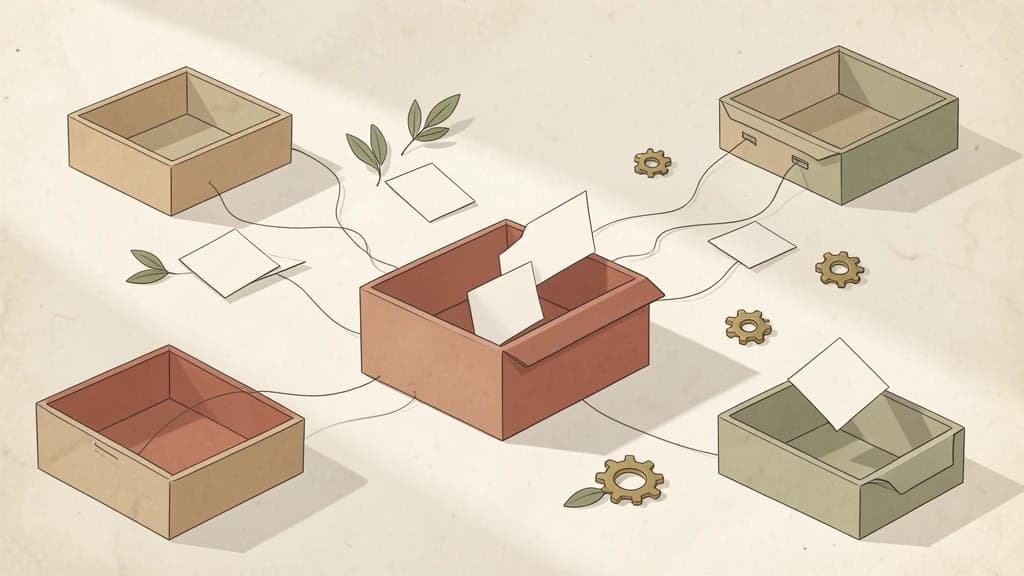
The two valid paths
There are two honest ways to build this.
Path 1: n8n plus quik.md
Use n8n for the workflow and quik.md for the durable inbox.
The payload is intentionally small:
{
  "text": "Follow up with Mira about launch checklist\n\nSource: Slack #growth\nLink: https://example.com/source",
  "type": "todo",
  "source": "api",
  "organize": false
}
n8n does not need to decide the perfect project, label, priority, or date. It just needs to preserve useful context.
The quik.md endpoint:
POST https://quik.md/api/v1/capture
Authorization: Bearer example-key
Content-Type: application/json
Starter workflows are committed here:
Open the n8n workflow templates on GitHub
The folder includes:
- Telegram capture to quik.md
- Gmail task triage to quik.md
- Weekly notes to quik.md actions
- Slack idea to quik.md implementation plan
- AI agent fallback tasks to quik.md
Path 2: n8n plus your own inbox
If you do not want to use quik.md, build the inbox layer yourself.
Minimum stack:
POST /captureAPI endpoint- bearer token auth
- input validation
- database table for inbox items
sourceEventIddedupe- error logging for failed workflow calls
- review UI for edit, route, done, archive
- full-text search
- backups and export
The self-hosted architecture is here:
Build an AI automation inbox without quik.md
That path is valid. It is also real work. quik.md is the shortcut if you want the outcome without maintaining the capture product.
What n8n should automate first
Start with sources that already imply work.
Telegram capture
Use this for quick thoughts, voice notes after transcription, and personal assistant messages.
Good item:
Telegram capture

Need to review pricing page copy before launch.
Source: Telegram saved message
Bad item:
message
The difference is context. A task inbox should not need you to remember why a capture exists.
Gmail triage
Do not automate your whole Gmail inbox. Use a label like capture or follow-up.
n8n watches only that label, then sends the email subject, sender, summary, and link to the inbox.
This keeps the human decision at the right point: you decide the email matters, n8n moves it into durable memory.
Weekly notes
Weekly notes often contain action items that never become tasks.
A good n8n workflow can summarize the note and send only the action list:
{
  "text": "Weekly review actions\n\n- Draft launch checklist\n- Reply to investor intro\n- Check failed backup log",
  "type": "note",
  "source": "api",
  "organize": false
}
Slack ideas
Slack is full of half-decisions. Most should be ignored. Some should become implementation plans.
Use a saved message, emoji reaction, or dedicated channel as the trigger. Do not listen to every message.
Agent fallback
This is the highest-leverage use case for developers.
When Claude Code, Codex, or another agent cannot finish safely, it should capture a follow-up:
Agent fallback from branch fix/billing-webhooks

Issue: retry test still depends on mocked clock behavior.
Source: bun test src/lib/billing/webhooks.test.ts
Next: add production-like scheduler integration test.
That item should not stay buried in a terminal transcript.
Why not just use Todoist or Notion?
You can send n8n output to any task tool. The problem is shape.
Automation output is often messy: source links, partial summaries, failure logs, AI assumptions, and rough next actions. A normal task manager tends to force this into title, date, project, label, and priority too early.
quik.md is built around capture first. It can hold rough tasks and notes before they are organized.
If you prefer Notion, Todoist, Linear, or your own database, the same principle still applies: do not over-structure the item at the workflow layer.
How to test the workflow
Before adding AI nodes, test the boring path.
- Import one JSON workflow.
- Add
QUIK_API_KEYor your own capture API key. - Send a single manual event.
- Confirm one inbox item is created.
- Retry the same event and check dedupe behavior if your system supports it.
- Add AI summary or routing only after the capture path works.
The actual product insight
The value is not the n8n workflow.
The value is a trustworthy place for unfinished work to land.
That is the thing quik.md provides. n8n, Make.com, Claude Code, and Codex are sources. quik.md is the capture layer that makes their output reviewable.
FAQ
Can I build an n8n task inbox without quik.md?
Yes. You need a capture API, authentication, a database, dedupe, failure logging, and a review UI. The self-hosted guide shows the architecture.
What does quik.md add to n8n workflows?
quik.md gives n8n a durable capture endpoint and review inbox, so workflows can send tasks or notes without becoming a full task management system.
Where are the n8n workflow JSON files?
They are in the quikmd-docs GitHub repo under workflows/n8n.
Should n8n organize tasks with AI immediately?
No. Start with delivery. Once the capture path is reliable, add AI organization where it clearly improves review speed.
Keep reading
 Workflows4 min
Make.com Automations for a Task Inbox: quik.md or Self-Hosted
Make.com scenarios are useful when they move work into one reviewable inbox. This guide shows the quik.md version and the self-hosted version, so you can choose between using a product and maintaining the stack yourself.
 Workflows10 min
How to Do a Brain Dump: The 15-Minute Method
The brain dump method, end to end: typed vs voice, a 15-minute protocol that actually finishes, and the part everyone skips, turning the pile into clarified, filed, scheduled actions. Plus where AI filing takes over the dreaded second half.
 Workflows9 min
Monthly Review Template: Copy-Paste Markdown
A monthly review template in plain markdown: wins, shipped-vs-started, project health, an archive sweep, and next-month focus. Copy the blank version, study the filled example, and adapt the five sections to your own system.
